Teachers can upload, trim, manage, and reuse their own video files in Deck.Toys, then use those clips in interactive video...

Three Ways to Use Slide Efficiently for Your Lesson
 Boon Jin
Updated
This week mission is about Slide Activity. If you only know of Deck.Toys as a gamified platform, you will be surprised that it is more than that. Because not only you can have game elements in your resource, but you can create the whole lesson on this.
Read further as to how you could use this in your classroom.
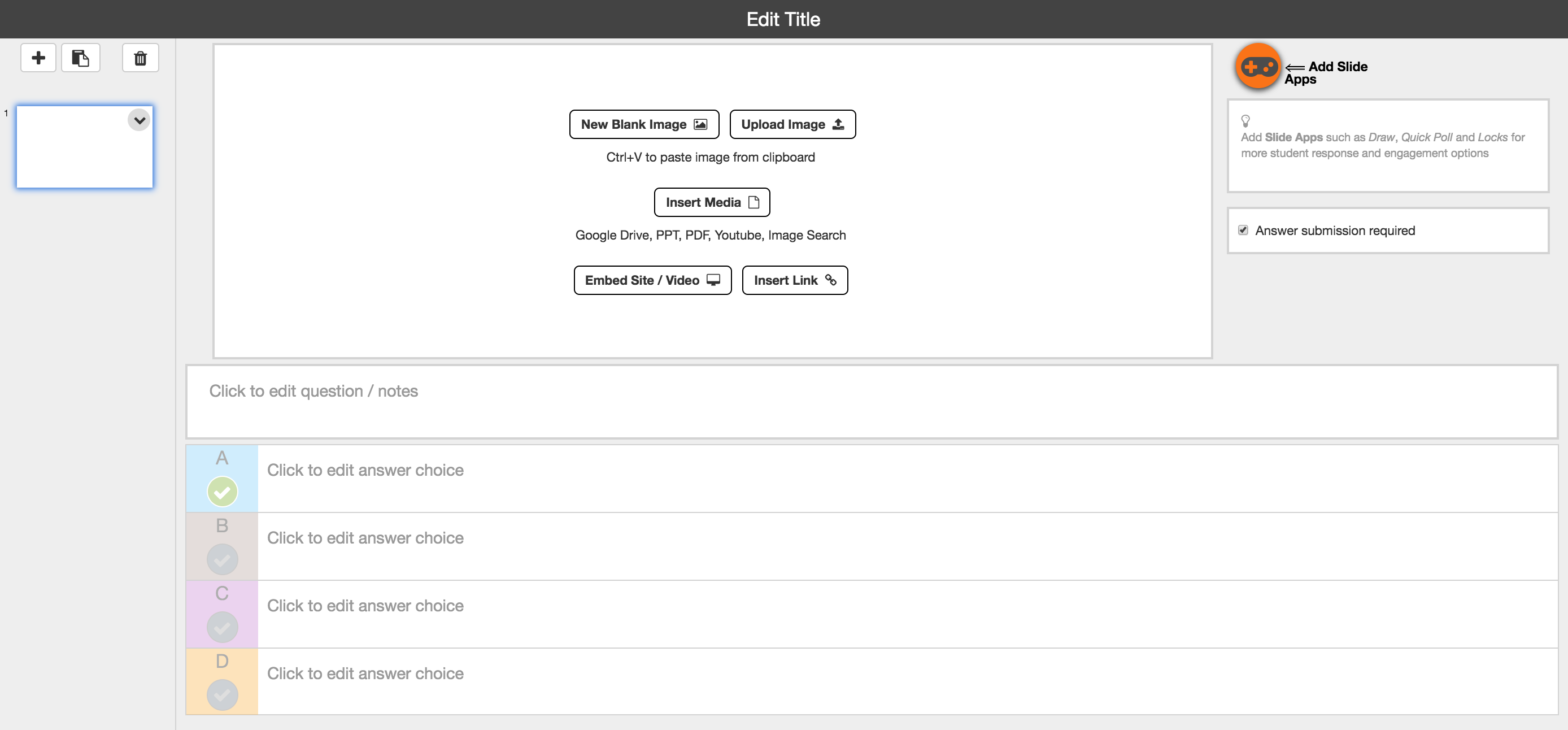
Three ways to use Slide efficiently for your lesson
- Enhance your student’s learning by inserting or embedding material of image/ video/ site/ link and etc
- Post your question/ notes and allow students to answer in multiple choice format
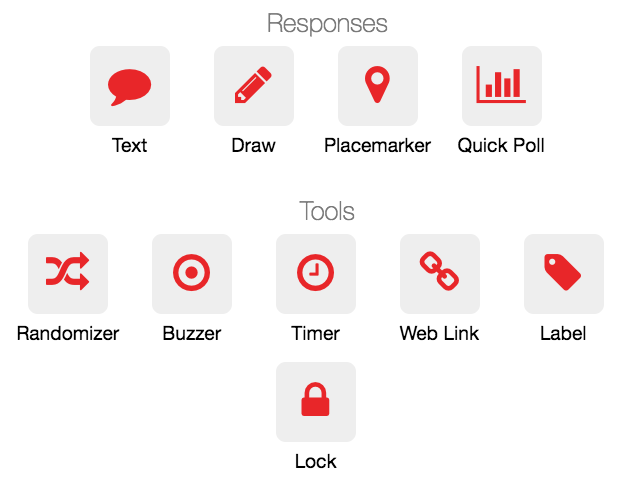
- Engage your students further to the material on the same slide by using the Slide App
- Use Slide App to get the response either in Text, Draw or Placemarker
- Gather quick feedback from students with the Quick Poll
- Give your students a little surprise to check on their attentiveness with the launch of Randomizer and Buzzer in Classroom Mode
- Add thrill and excitement to answer questions with different types of digital lock. The locks come in the text, voice, number, or direction format. Locks will help to ensure your students to go through the material thoroughly before can proceed to the next Slide.
- Slide App allows you to insert them into three locations; side of Slide, inside the text field or on video/ image slide for better engagement.
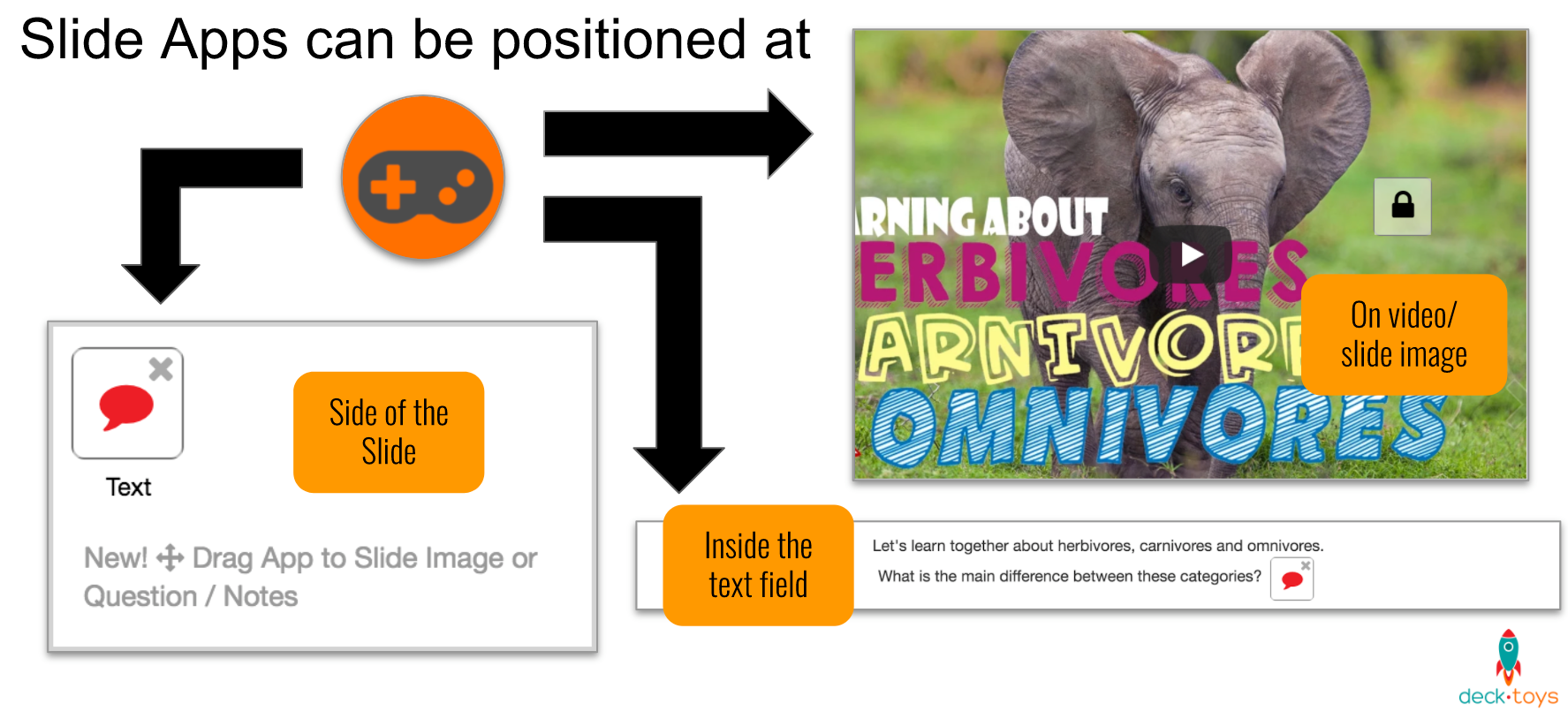
Share with us how you have been using Slide to bring new adventure daily to your students.
We love to hear from you on what other ways you think the Deck.Toys Slide can further enhance your classroom experience.
