Teachers can upload, trim, manage, and reuse their own video files in Deck.Toys, then use those clips in interactive video...
Generate Slide Content with AI in Deck.Toys
 Boon Jin
Deck.Toys includes a set of built-in AI tools inside the Slide editor so teachers can turn one slide into a wider range of lesson materials without starting over.
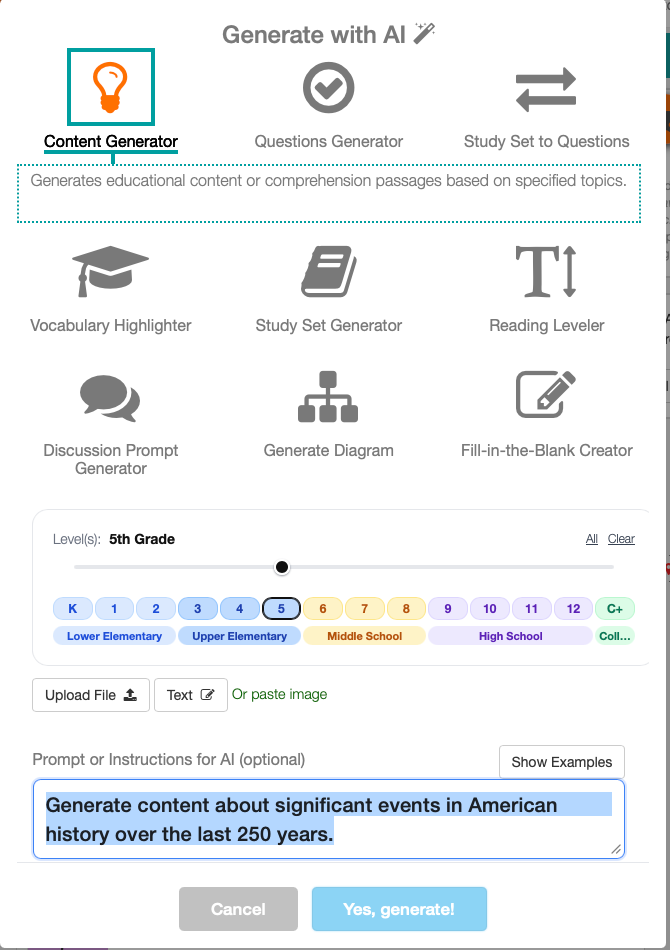
Instead of treating AI as a separate workflow, the Slide editor keeps these tools close to the slide itself. Teachers can use the current slide content as the starting point, choose the kind of output they need, and generate the next teaching asset from there.
The current slide AI tools include:
- Content Generator
- Questions Generator
- Study Set to Questions
- Vocabulary Highlighter
- Study Set Generator
- Reading Leveler
- Discussion Prompt Generator
- Generate Diagram
- Fill-in-the-Blank Creator
This is useful when a teacher already has the key idea on the slide but needs a faster way to turn it into a question set, vocabulary task, discussion prompt, diagram, or differentiated version for another level.
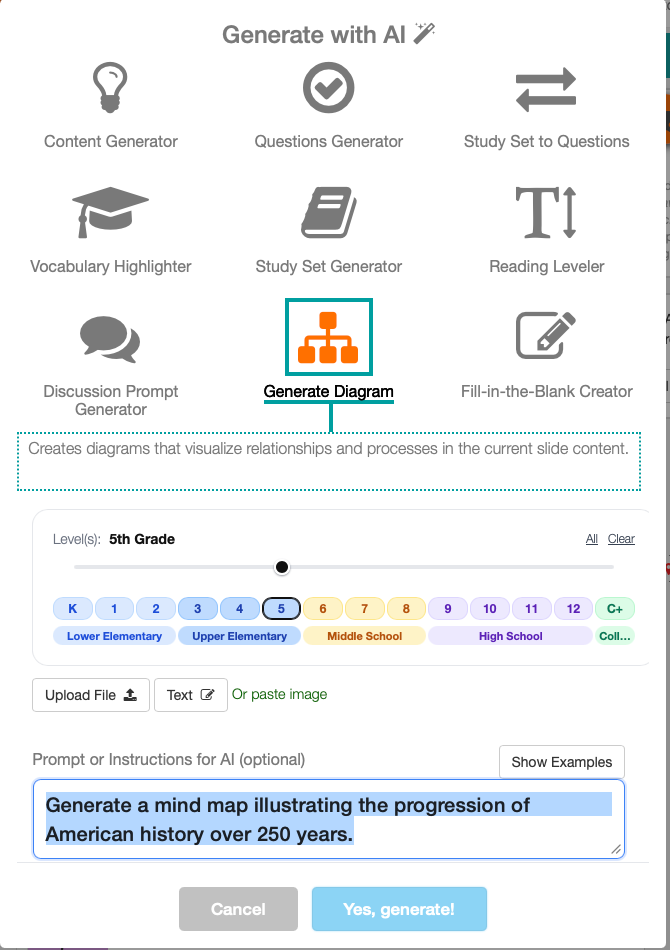
One example is Generate Diagram, which can turn the current slide content into a visual diagram based on the same teaching idea. Other tools help teachers move in different directions from the same source slide depending on what the lesson needs next.
